Sanity Studio
Extend your editorial workspace→
Custom editorial interfaces
Build custom tools for your team with built-in authentication and one-command deploy. All using react hooks.

App SDK 101App SDK 101


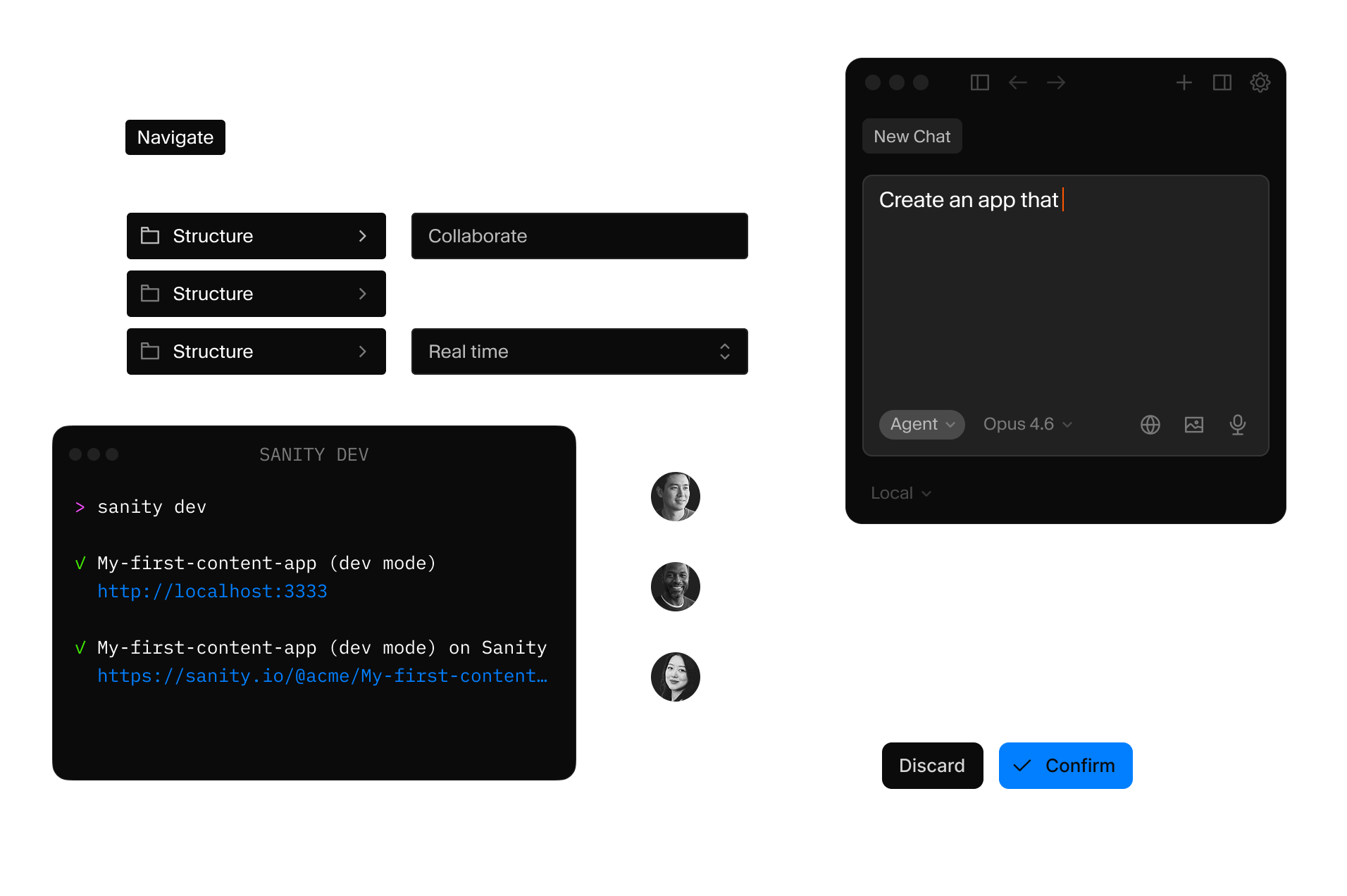
AI-ready tooling
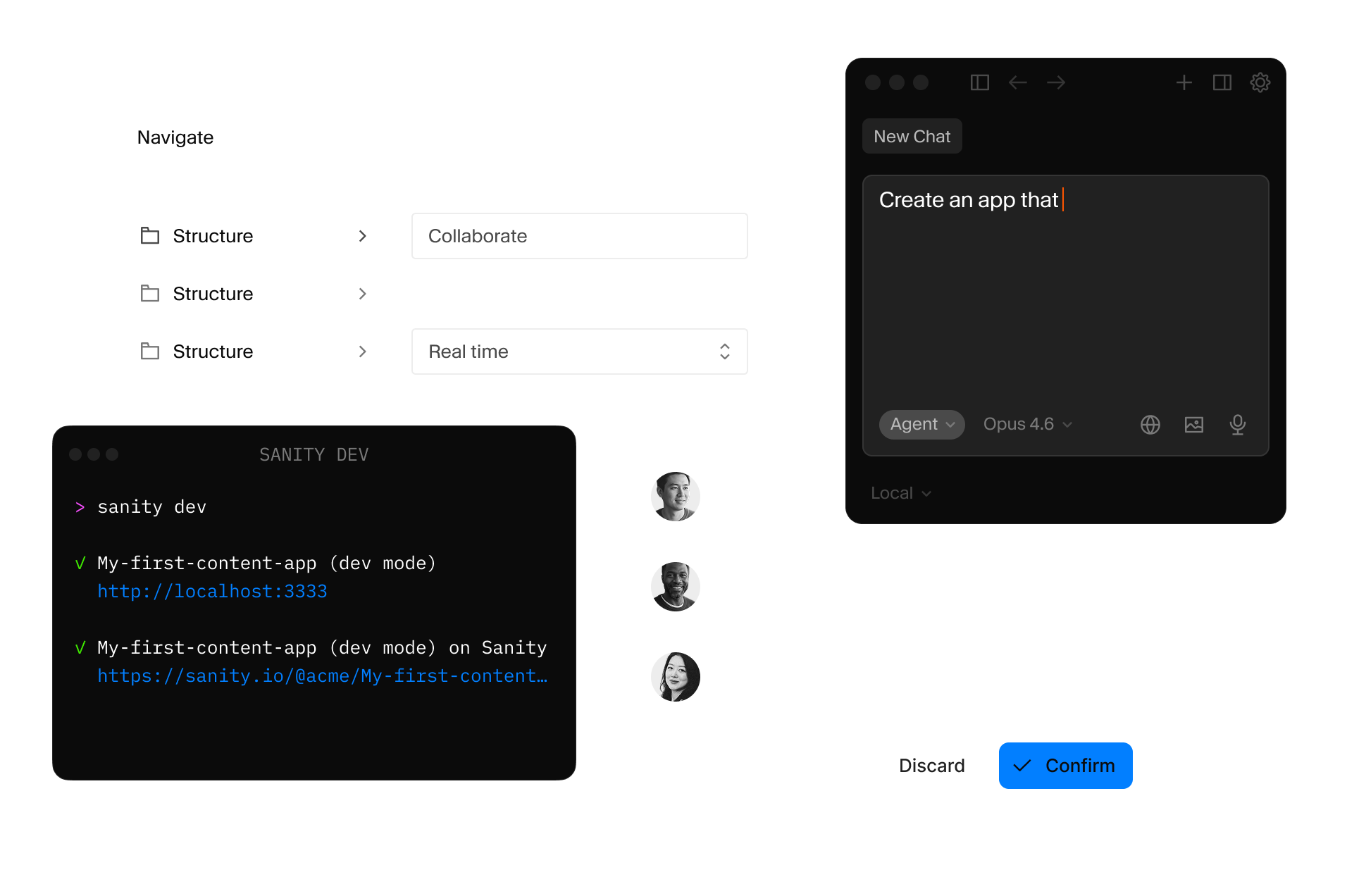
When you combine App SDK with Content Agent, you can create smarter workflows for your content team. Ready to use on day one.
Authentication included
Apps inherit Sanity's auth. Roles, permissions, and access control work out of the box. No separate user management.
Real-time by default
Every edit syncs instantly through the Live Content API. Your team sees the same data, always current. No polling. No refresh buttons.
Custom fit to you
Use your component library, your design system, your brand. App SDK handles the data and sync so you own the pixels.

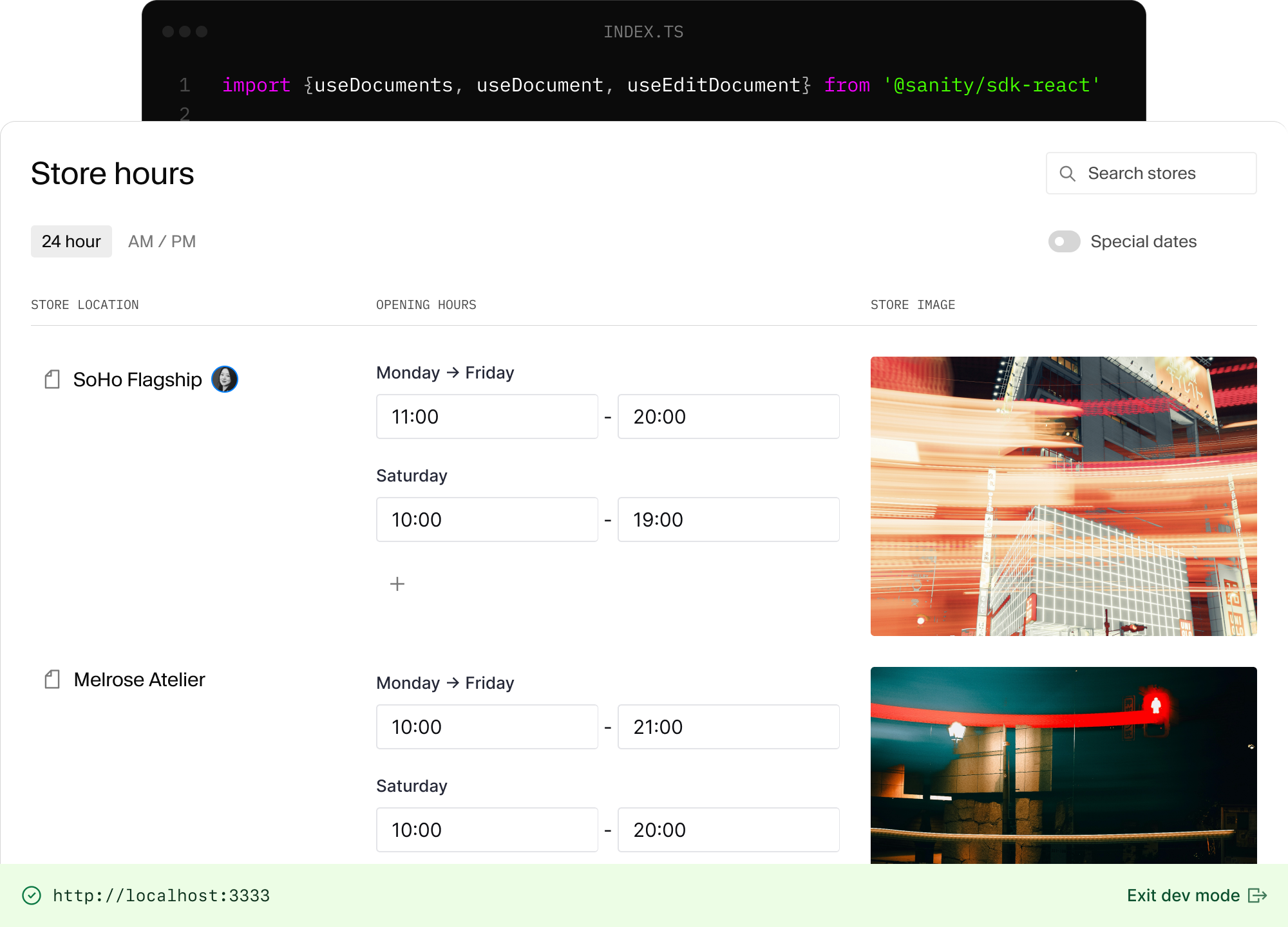
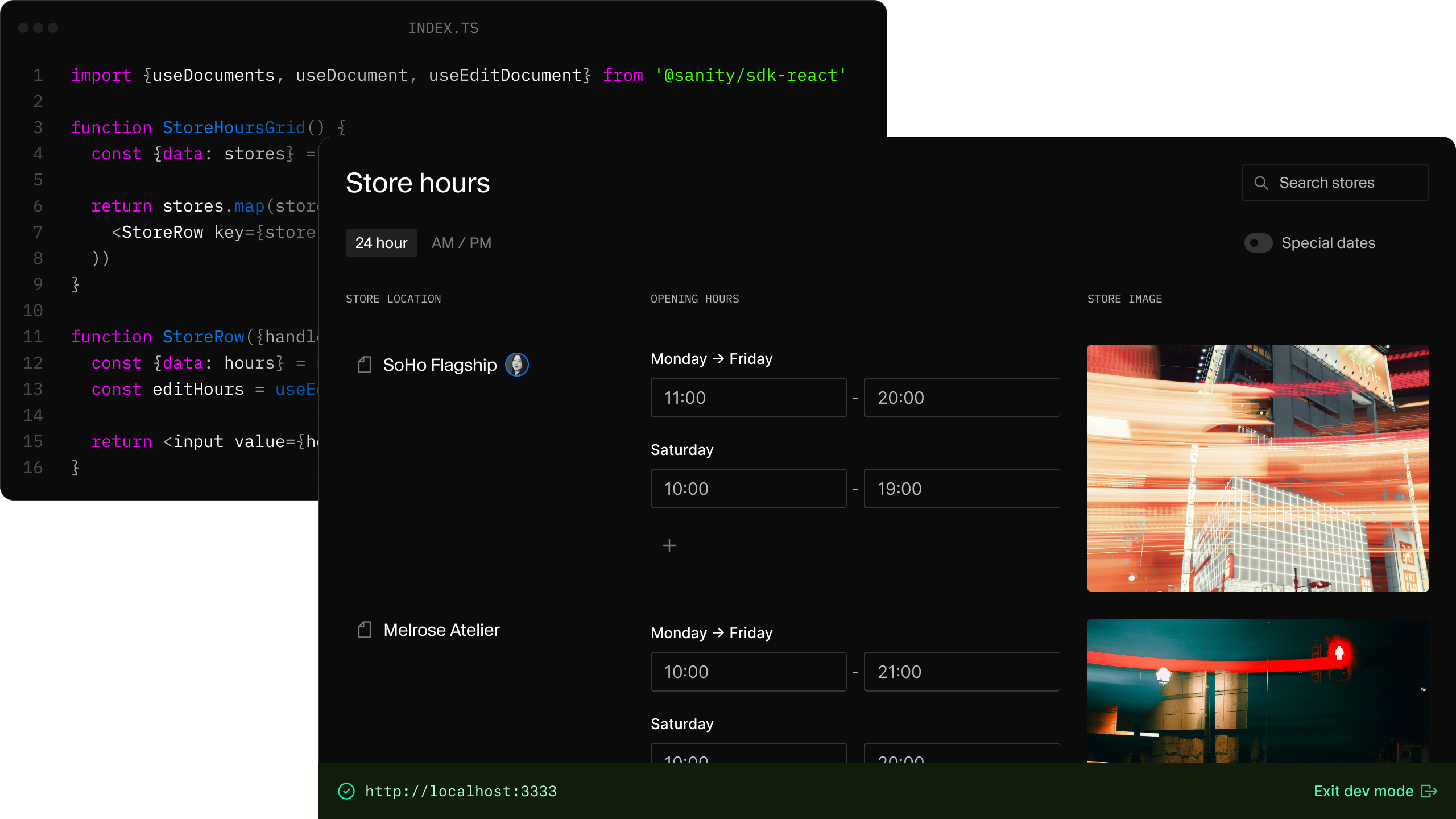
App SDK is React. If you know hooks, you know this.
Three hooks handle most of what you need:
useDocuments to fetch filtered collectionsuseDocument to read a single document that stays currentuseEditDocument for optimistic writes that sync to Content Lakeimport {useDocuments, useDocument, useEditDocument} from '@sanity/sdk-react'
function StoreHoursGrid() {
const {data: stores} = useDocuments({documentType: 'store'})
return stores.map(store => (
<StoreRow key={store.documentId} handle={store} />
))
}
function StoreRow({handle}) {
const {data: hours} = useDocument({...handle, path: 'hours'})
const editHours = useEditDocument({...handle, path: 'hours'})
return <input value={hours} onChange={e => editHours(e.target.value)} />
}sanity deploy command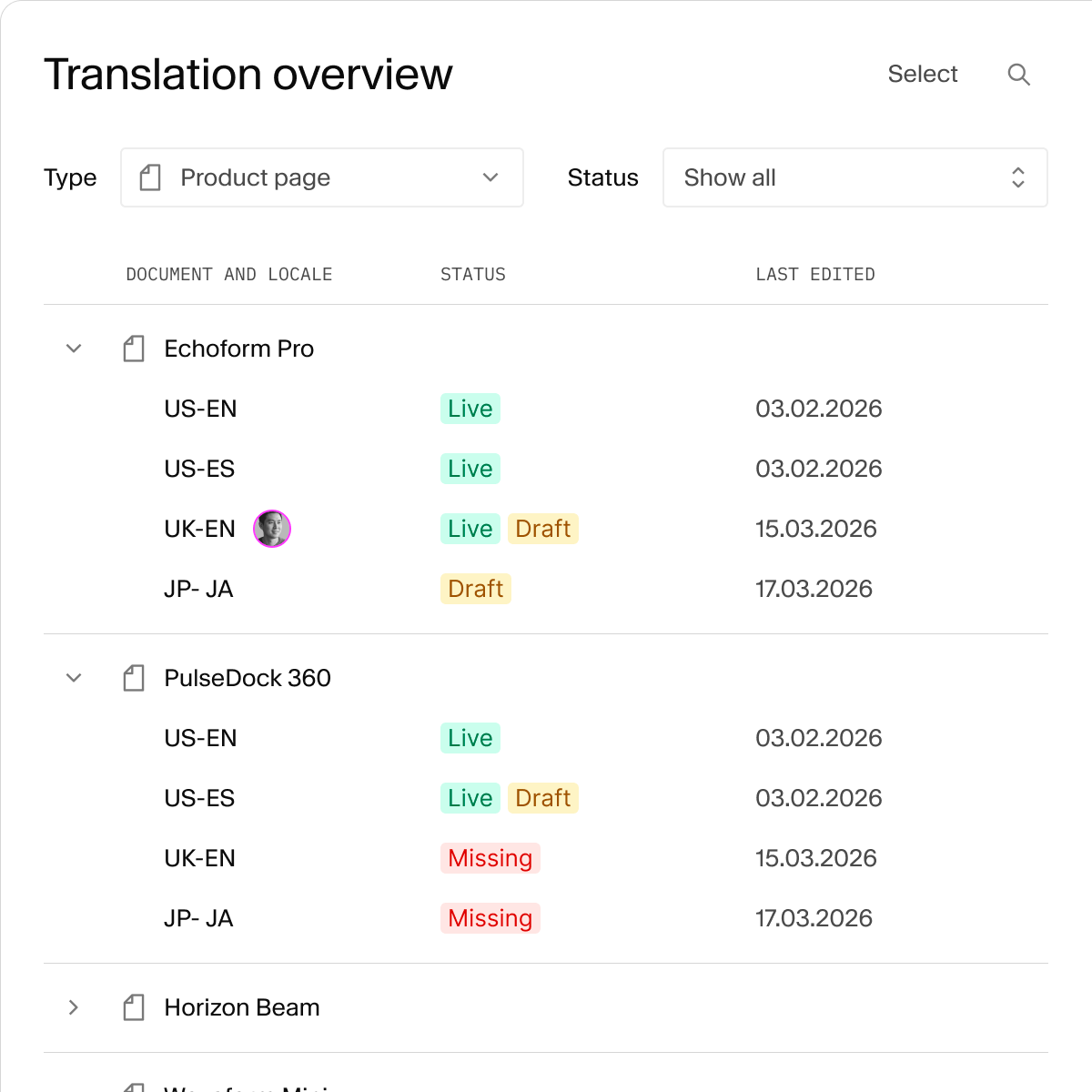


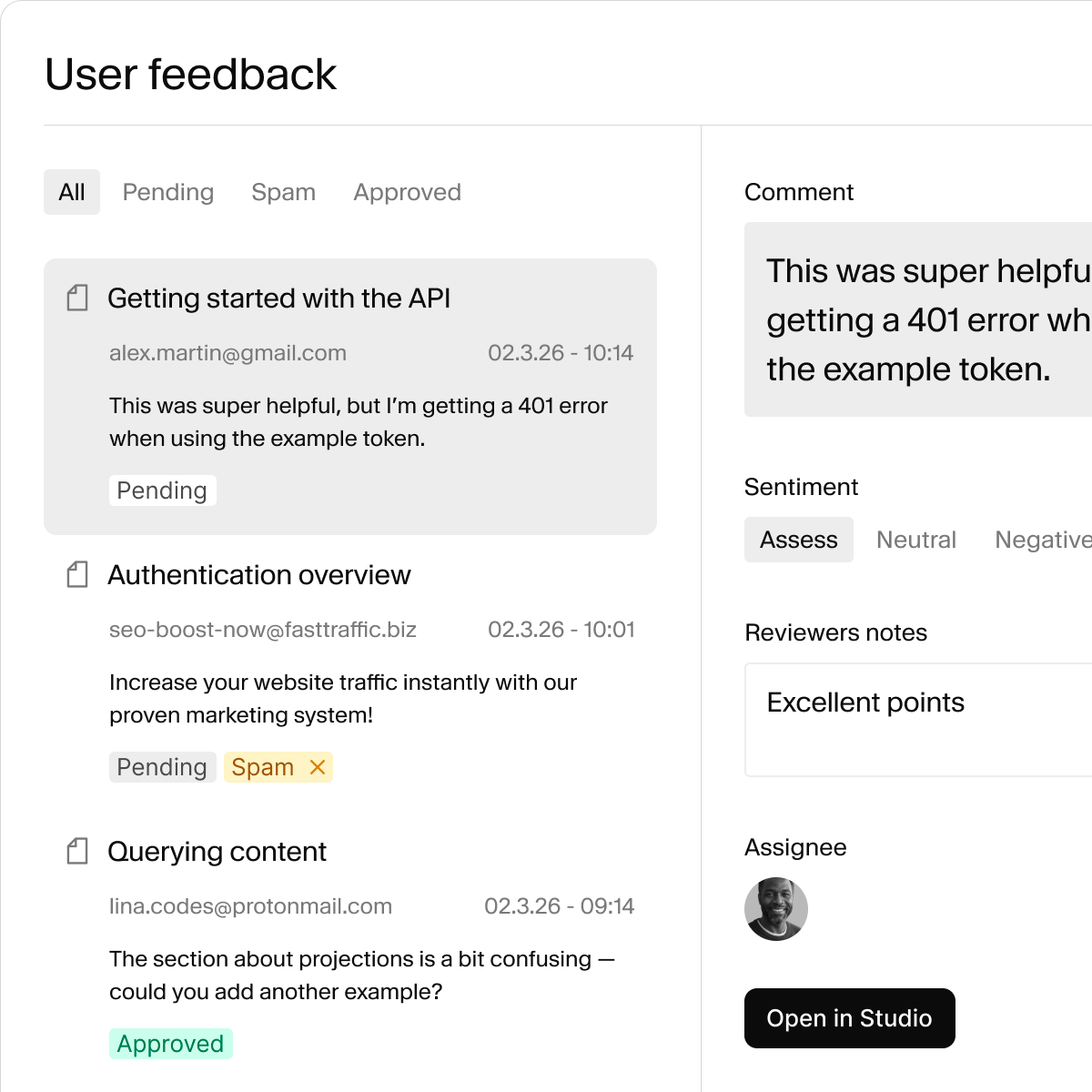
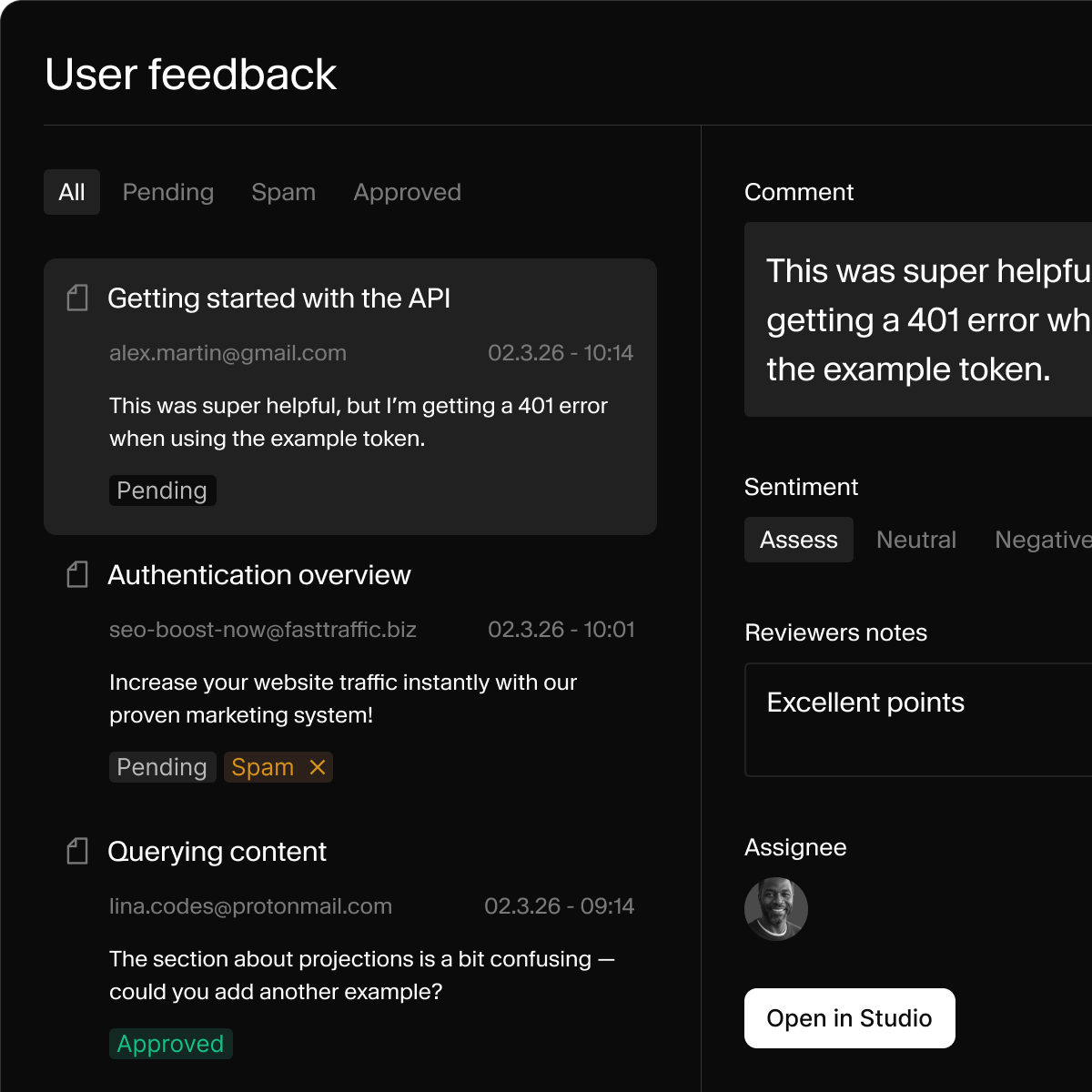
Some workflows need their own interface. Build focused content apps for exactly one job.
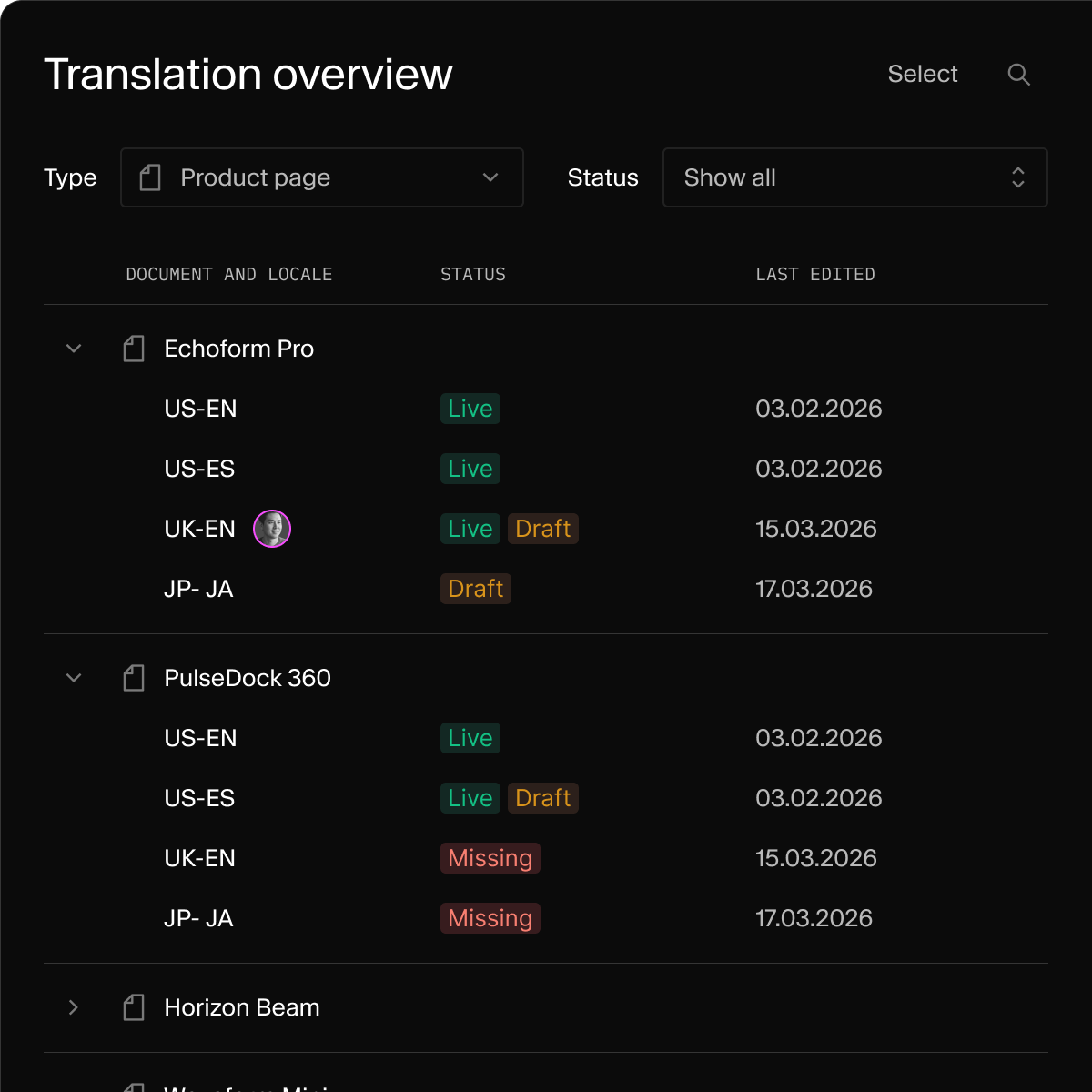
Translations dashboard
Filter untranslated content, batch-select for translation, and track locale status from a single view.
Marketplace feeds
Assign products to marketplaces, track publish status, and keep feeds updated without spreadsheets.
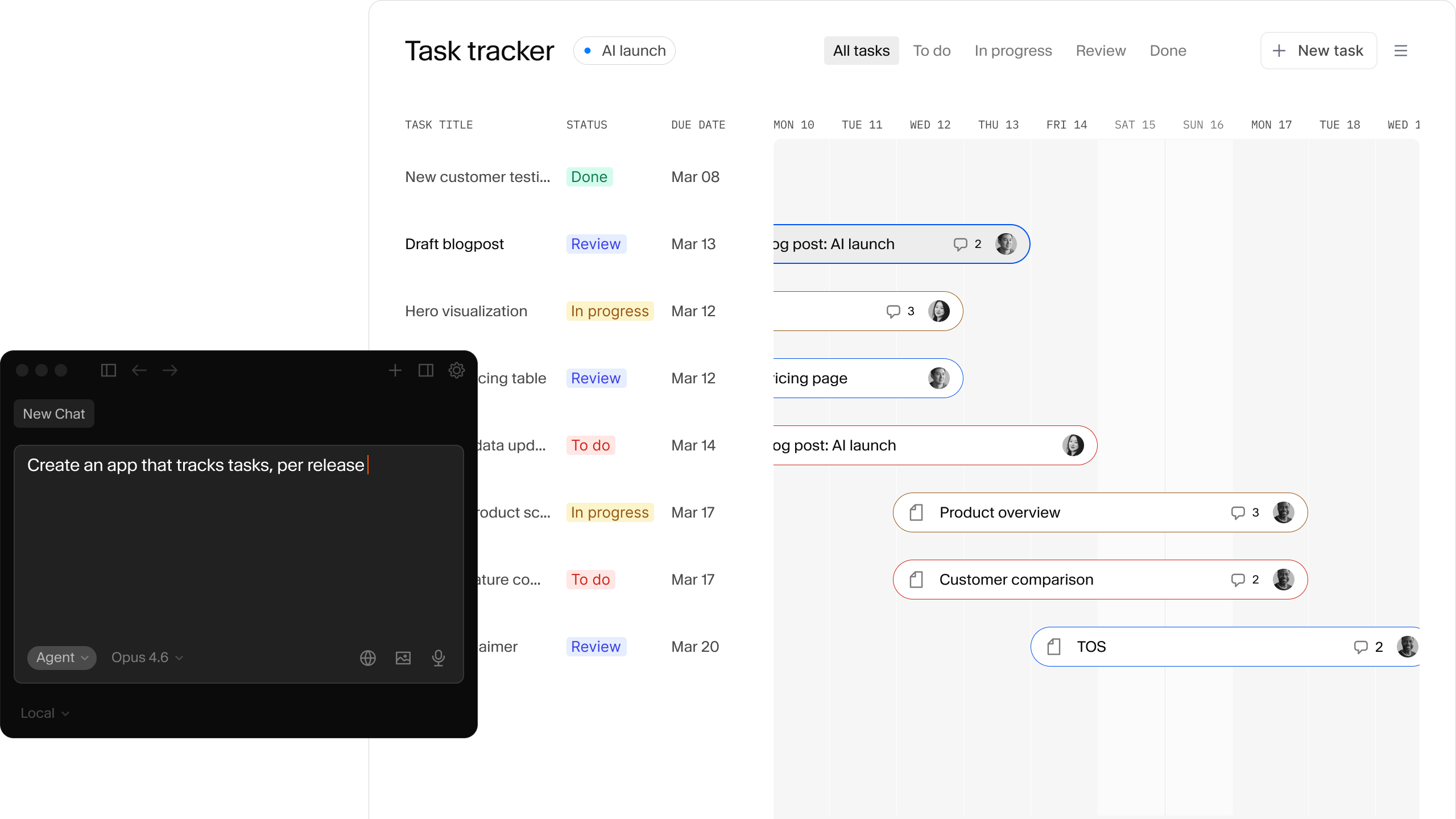
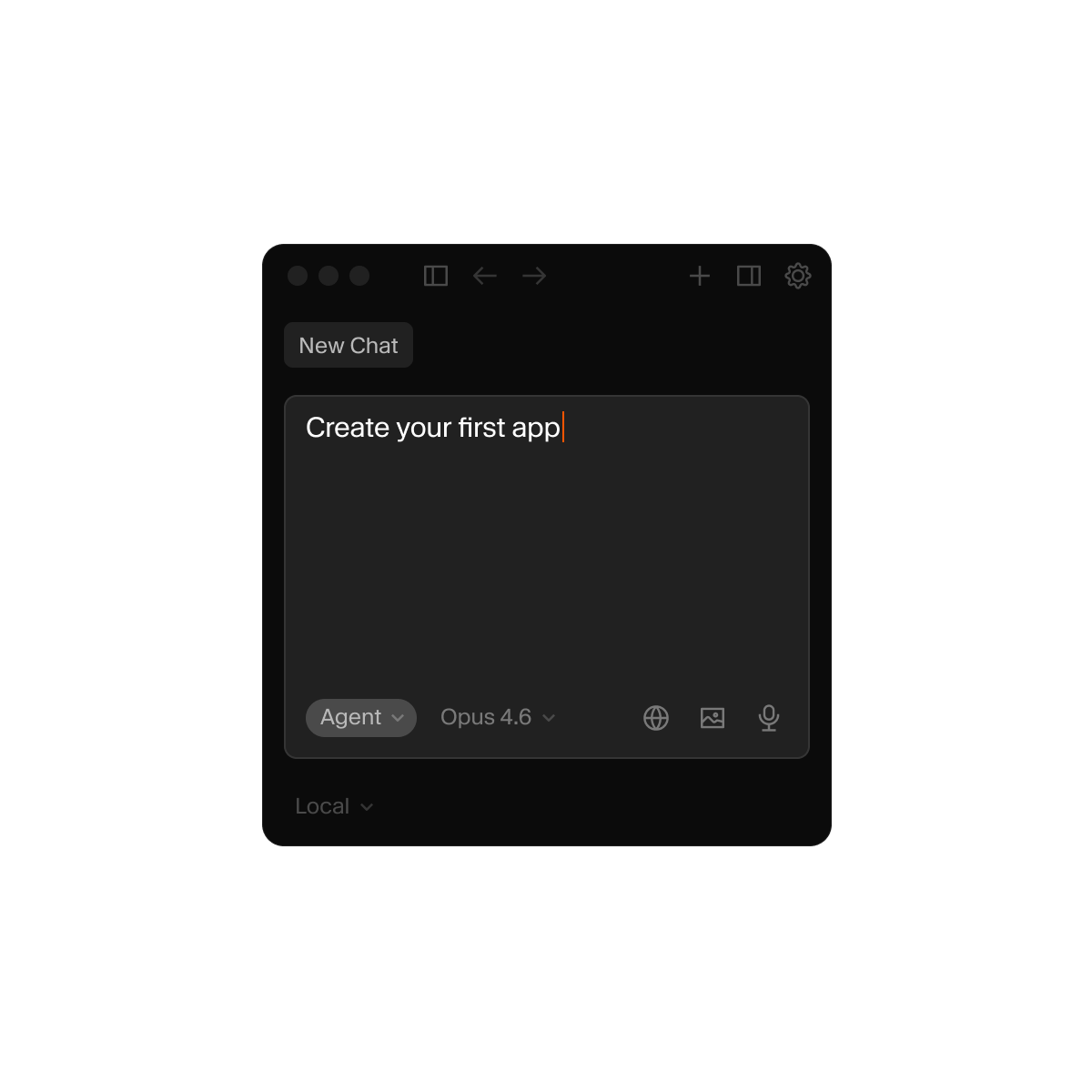
App SDK is typed React hooks on top of your content model. AI tools already know how to write React. Give them your schema, and they know how to write your app.
"Build me an app that shows all our store locations in a grid, with their hours editable inline. Group by region and highlight any stores with missing hours."
useDocuments, useDocument, useEditDocument)The result: Working code that matches your content model, not generic boilerplate you have to rewire.
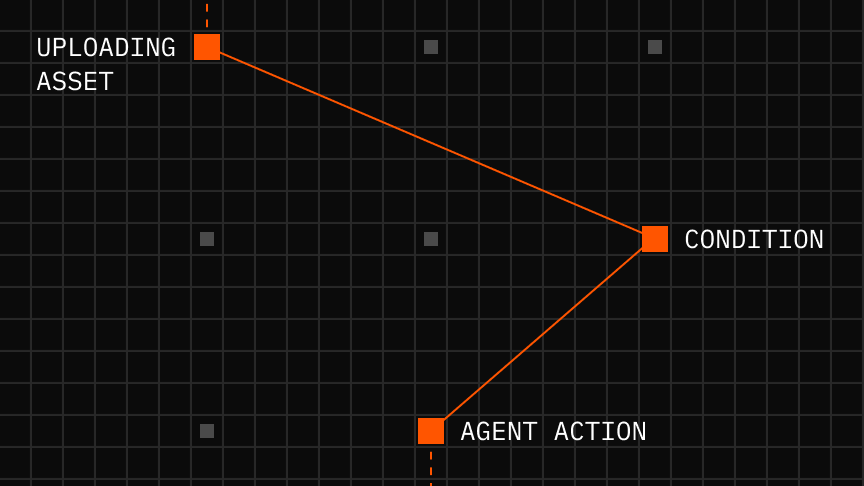
Custom apps isn't just where content lives — it's where work gets done. Trigger translations, approve publishes, route products to marketplaces, all without leaving the editor.
Real-time feedback lets editors see automation status update instantly. No polling. No "check back later."
Inherited permissions mean the same roles control both content access and action triggers. No separate auth system.
Content as state means your documents are the workflow state. A translation's status lives in the document. An approval flag is a field. No shadow database to sync.
Go from idea to deployed app with real-time sync, built-in auth, and team-ready interfaces.